Stronger presentation
Turn a working design image into a more polished visual that helps the client picture the finished room.
AI kitchen rendering software
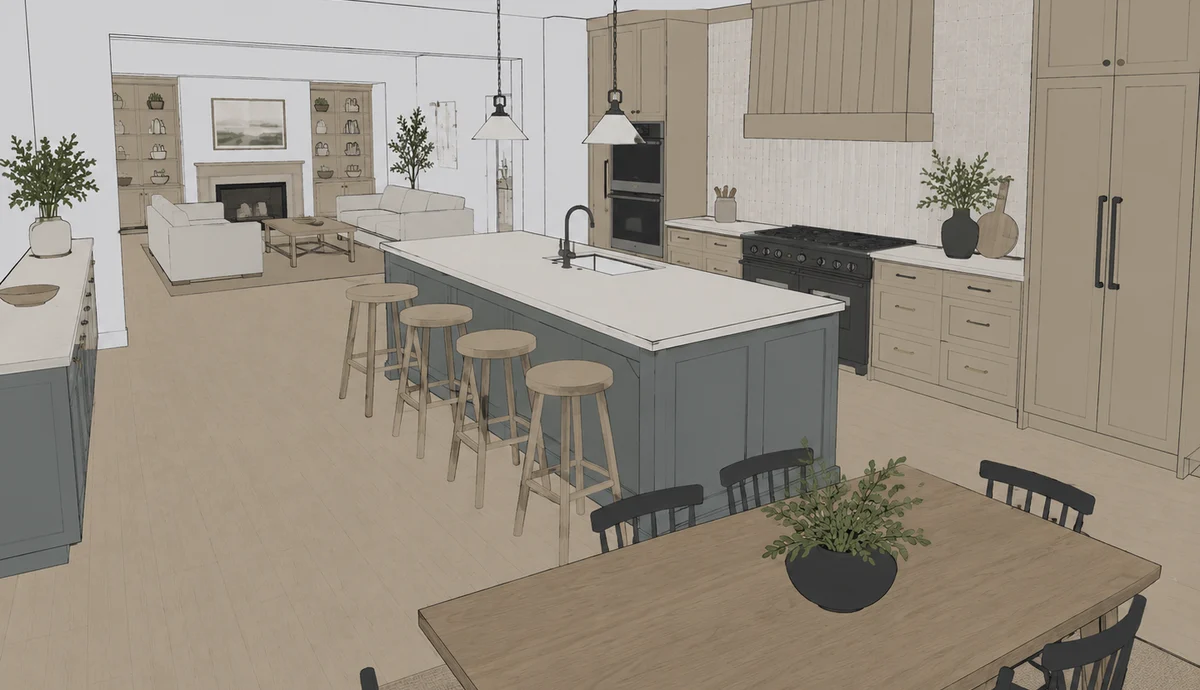
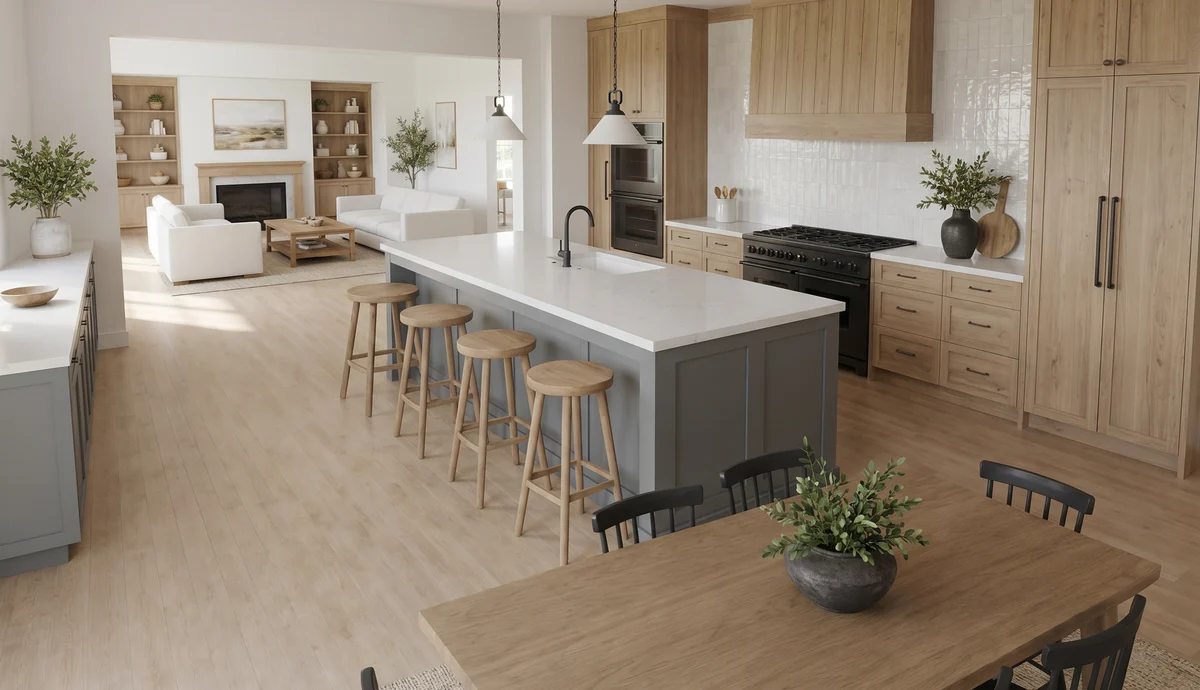
ARQ is AI kitchen rendering software built for the work after design. Use a JPG or PNG image from the tool you already know, then let ARQ produce a polished render, automatically compare it with the original design, and prepare it for human approval.
Same design. Stronger presentation. Human approval stays.
Why ARQ exists
Kitchen showrooms need a result that can strengthen the client presentation without quietly redesigning the room. ARQ combines render production with the checks, decisions, and organisation needed to use AI more safely in a professional workflow.
Turn a working design image into a more polished visual that helps the client picture the finished room.
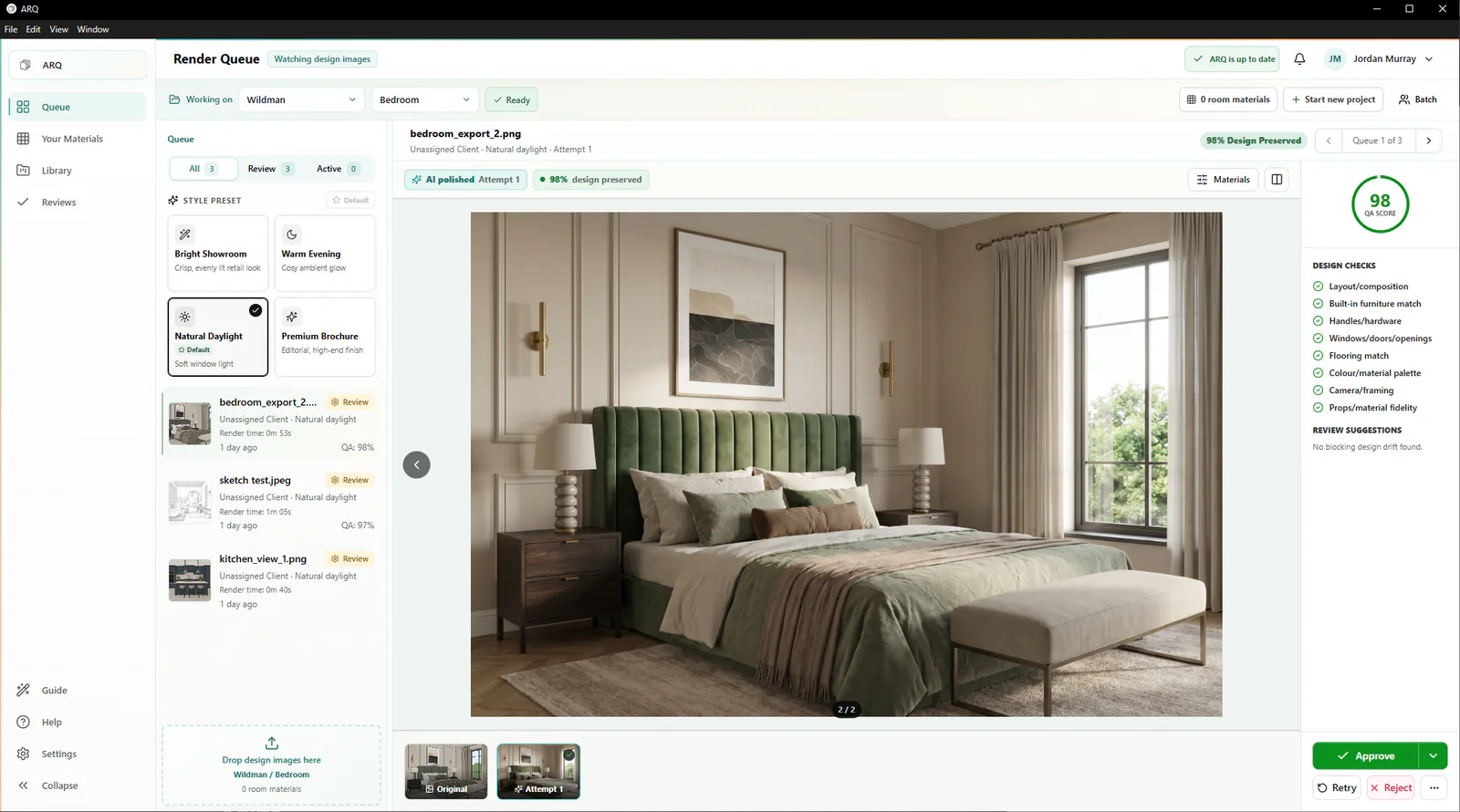
ARQ compares the result with its source and flags possible changes before a responsible person approves it.
Queue work, review attempts, approve outputs, and keep the final presentation assets organised by client and room.
The after-design route
ARQ does not ask a showroom to rebuild its design process. It adds a focused rendering and presentation layer once the design is ready.
Work in the specialist kitchen, KBB, CAD, or interior design software your team already trusts.
Add the JPG, JPEG, or PNG view that would normally go into a manual rendering process.
Queue one room or a batch while ARQ creates attempts and checks them against the original design.
A person approves the result, then uses it in the client room, moodboard, or cinematic presentation.
Proof in the workflow
Generic AI tools optimise for a compelling image. ARQ is designed around a different professional question: does the compelling image still reflect what the client is being asked to buy?
Clear boundaries
Questions before a 14-day free trial
ARQ works with common image files such as PNG, JPG, and JPEG. That keeps the workflow compatible with the design software a showroom already uses.
No AI system should make that promise. ARQ automatically compares each result with the original design, flags possible changes, and keeps human approval in place before a render is shared.
Both can use it, but ARQ is especially useful for KBB and interior teams that need queues, automatic design comparison, approval workflow, usage control, and shared client-room organisation.
Continue exploring
Use your own evidence
Run a small, 14-day free trial with real KBB or interior design images and judge each result against the original.
Try ARQ now!