It reflects the design
The layout, fitted elements, products, openings, materials, and camera angle should still reflect the agreed intent.
Client-ready renders
ARQ turns existing design images into polished presentation visuals, automatically compares each result with the original design, and carries approved work into the moments that help a client picture the finished room.
Same room. Different reaction. Professional approval stays.
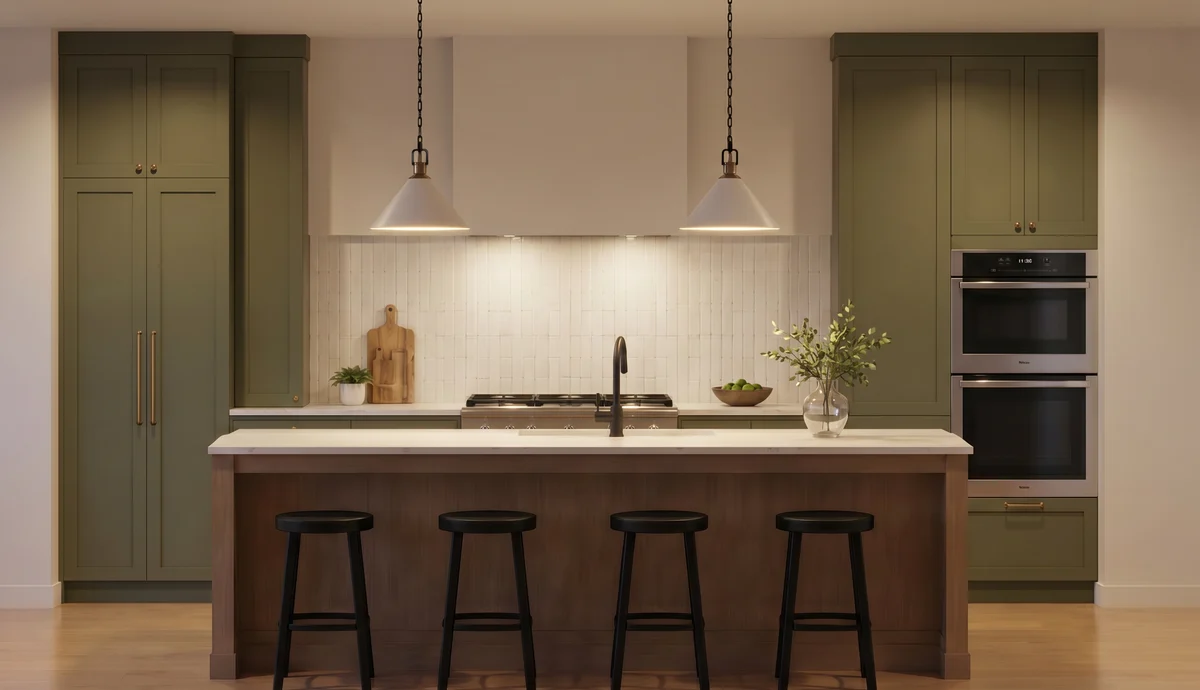
From information to emotion
A working design image can explain the layout, but a polished render helps a client imagine living with the finished room. ARQ supports that step across kitchens, bedrooms, bathrooms, fitted furniture, and wider interiors, while keeping a responsible person in control of approval.
The aim is not to replace design judgement. It is to reduce the repetitive production work between a finished design and a client-ready visual.
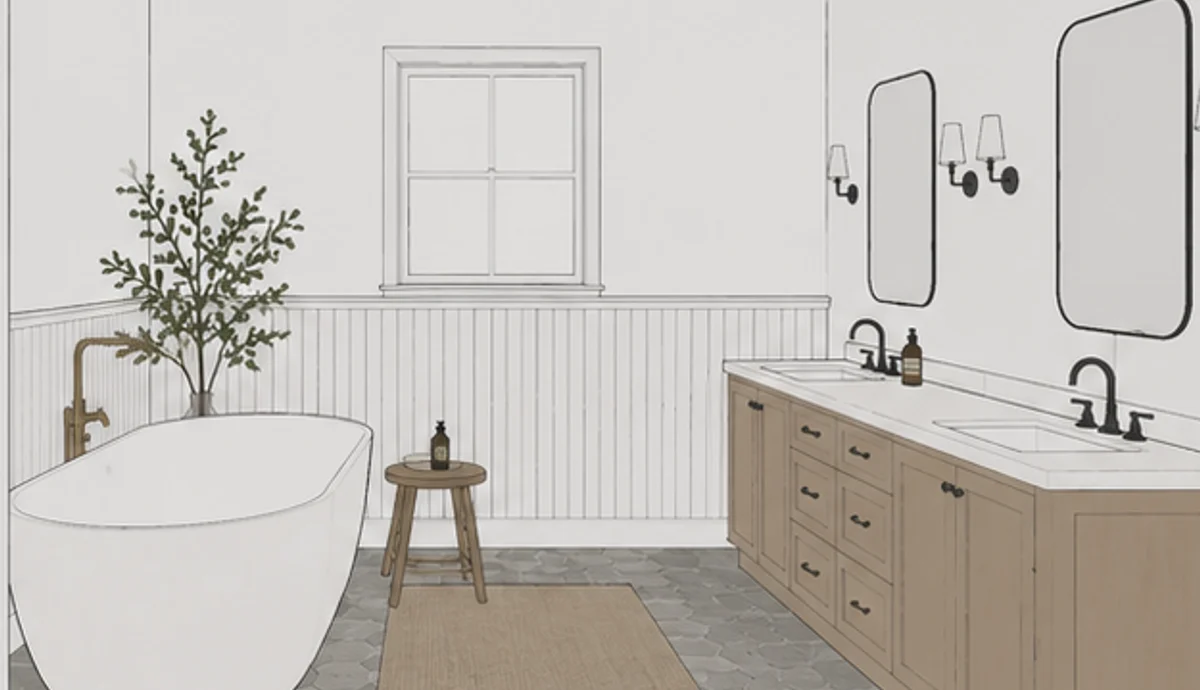
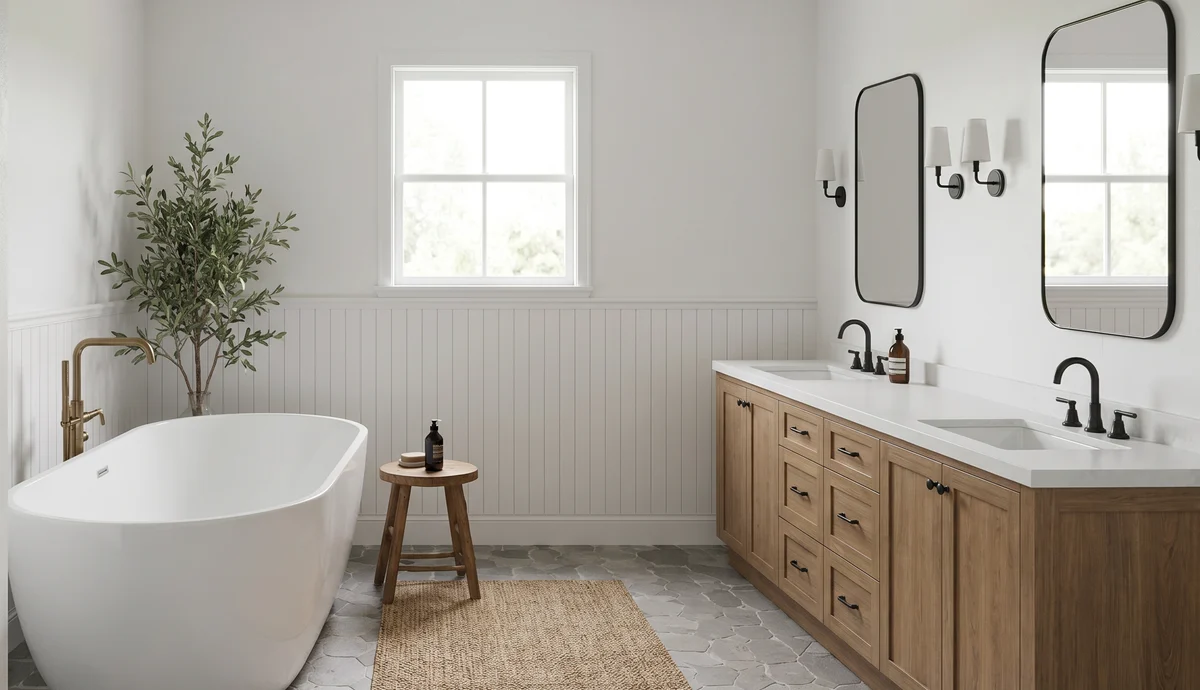
A useful standard
The layout, fitted elements, products, openings, materials, and camera angle should still reflect the agreed intent.
A responsible designer or reviewer should be comfortable that the render is suitable for client use.
The visual should help the client imagine the room and give the designer a stronger presentation asset.
After approval
The checked presentation image becomes the trusted starting point.
Keep the final visual organised against the right project and space.
Build early excitement and collect quicker reactions around the finished render.
Turn the approved room into a more dramatic client presentation moment.
Presentation questions
No AI system can guarantee that. ARQ produces polished outputs and automatically flags possible changes, but some rooms may still need retrying or human judgement before approval.
Approved renders can be organised in client rooms and used to create presentation assets such as moodboards and cinematic reveals.
Approved renders can be organised in the shared client-room library so the team knows which images are ready to use.
Continue exploring
Make it tangible
Use a few real KBB or interior rooms to assess the visual, the automatic checks, and the presentation potential.
Try ARQ now!